
IMGFILE-to-MAPSOURCE, Version Build80_33
Softwaretool, to manage all garmin-campatible '.img'-files (digital mapsets) and use it in Basecamp® and Mapsource®. For 32 bit and 64 bit windows
|
|
 |
All owners of map-capable GPS devices from the
manufacturer "GARMIN" who want to integrate freely
available maps into the map management software
"MapSource" or "Basecamp" have to make some effort to
achieve this. In addition to the actual map ( = "IMG"
file ), an overview.img file and a "TDB" file are
required. In the past, the registry of the computer
had to be prepared. This still works today. But Garmin
has replaced it with a different method for all newer
maps; the so-called 'gmap' installation. The map is
written to a newly created folder with the name
'.gmap' in a precisely defined path. Starting with
Windows 10, this variant should definitely be used,
because microsoft's programming guidelines do not
allow writing the registry without special access
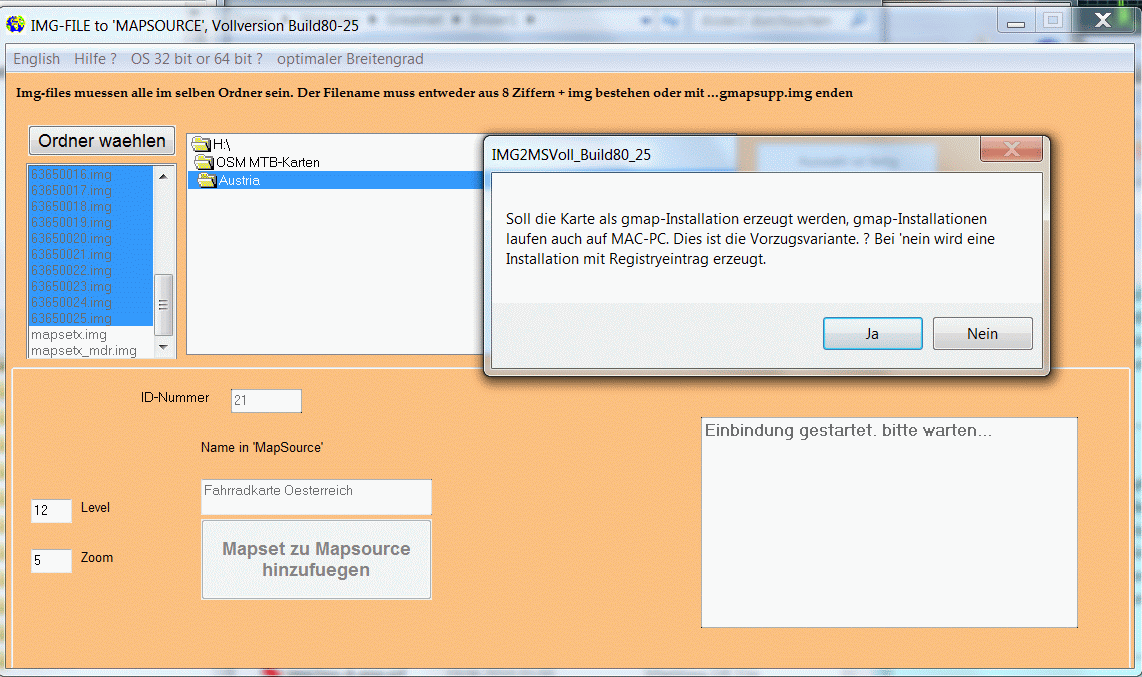
rights as an administrator. IMG2MS provides both
variants. If you intend to use the outdated version with registry entries, you have to start the program with admin rights under W10. Right click on the img2ms.exe--> Run as administrator. Or permanently via the compatibility assistant : right-click on the img2ms.... exe--> Troubleshoot compatibility issues --> troubleshoot program issues --> check 'Additional permissions are required for the program'. |
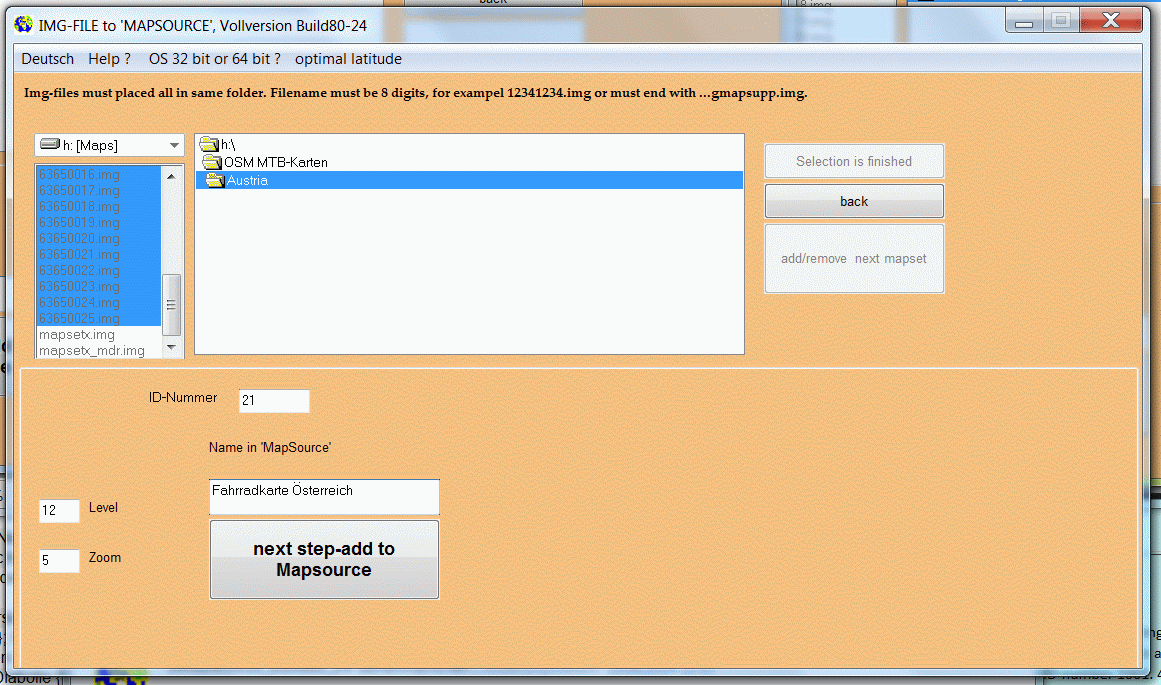 |
For all those struggling with this problem, I have written a software that makes the integration into "MapSource" and "Basecamp" child's play. Select IMG file(s), assign name for the mapset, ID number or have them automatically assigned (wrong entries will be blocked), some mouse clicks and everything is done. If you only have the gmapsupp.img file of a map on the GPS, IMG2MS can create a PC installation from it. Copy thegmapsupp.img to the PC in any path and have them processed with IMG2MS. A gmapsupp.img can also have been created from several map sets. Gmapsupp.img are often offered by OSM converters. All steps are coordinated with each other in such a way that incorrect entries are almost impossible. There is the DOWNLOADSITE. The limitations of the Demoversion are : works 14 days. More detail read on german-language-site |
 |
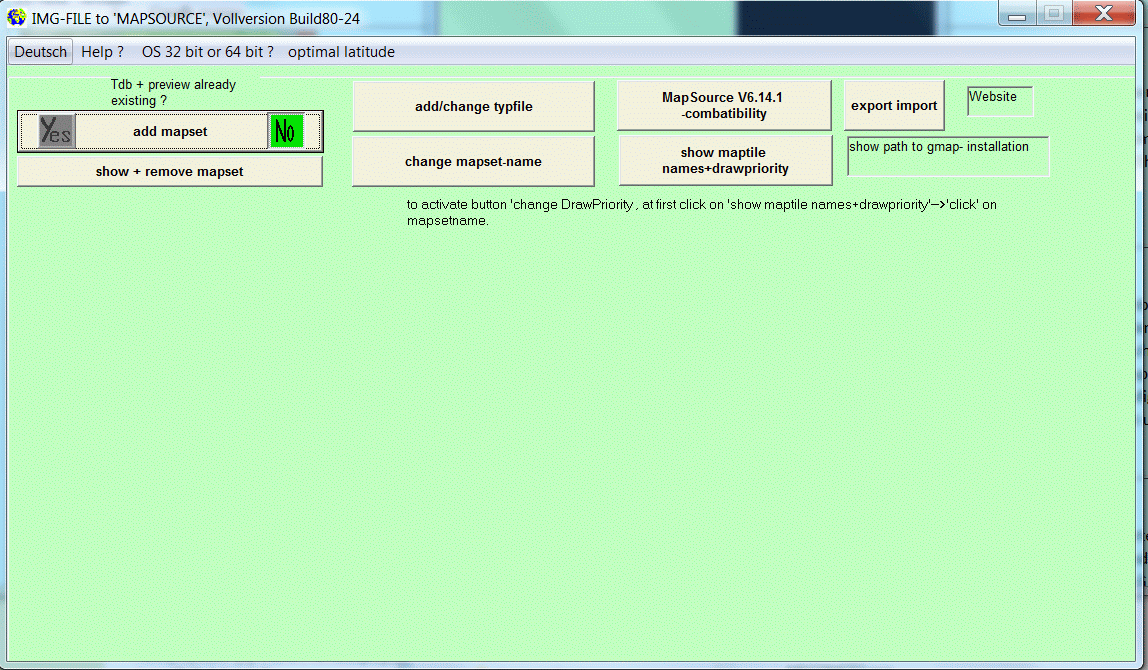
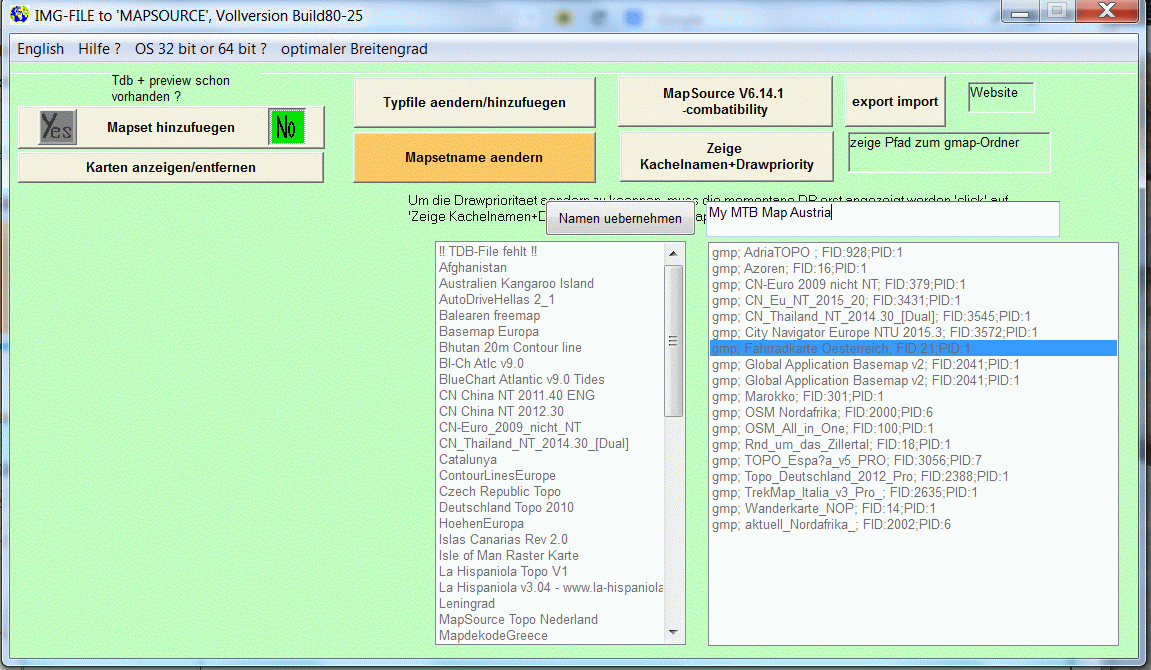
Also you can change the name of existing mapset's
and the 'Drawpriority'. Also you can add a already
existing typefile to any mapset, or change the
typefile. For exampel you load a City Navigator
with 'DrawPriority' value 20 and a topomap (without
routing) with value 25 on GPS, then you will
show the topo on display but routing works with CN.
Have a problem ? email me : webmaster@img2ms.de. |
 |
How the software
works : Software procreated a .TDB-file and
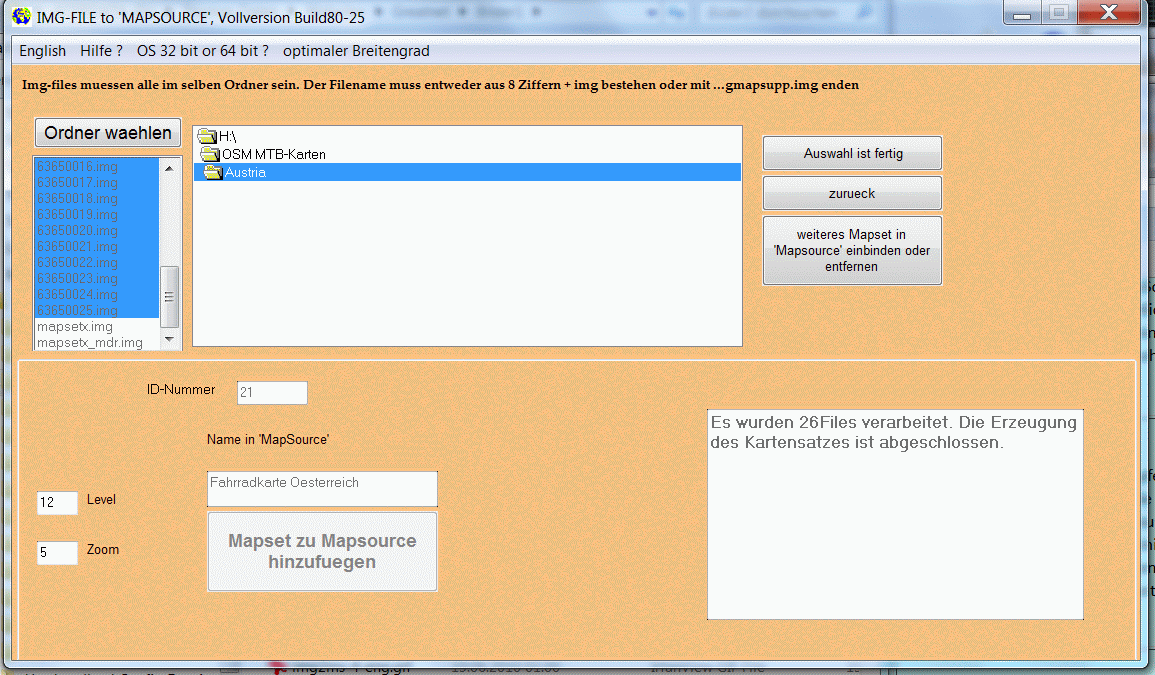
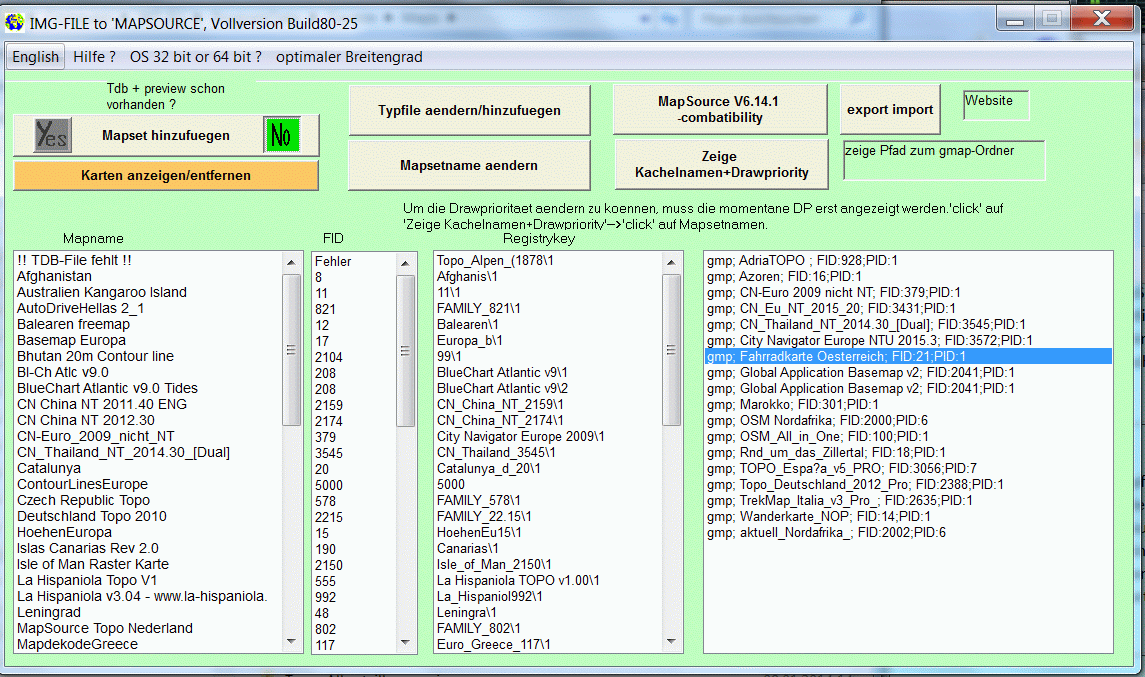
a preview-file. Four steps to go : 1: select the img-files (= maptiles) or 1 gmapsupp.img. Img-files must named with 8 numbers and .img or filename must end with .....gmapsupp.img. 2 : type in a name for showing in "Mapsource"/"Basecamp", 3 : only in fullversion : type in a individuall ID-Number. ID-number is always automatically created in a saver way. Demoversion uses only ID-number 1001. 4 : click 'next step/add to mapsource'. That's all. Another method is to use existing .tdb and preview-files, optionaly also .mdx and _mdr.img and .trf files files. Typicaly OSM-mapsets has such files in the download. In this case you can register it in the registry without using cgpsmapper/cpreview. The software can also delete mapsets from "Mapsource". Also you can analyse the registry. If there are failed keys, it can kill the failed keys. In this case, the failed keys will displayes as '!!Fehler!!'. |
 |
The unlimited shareware version for 15 euros has no
restrictions and can integrate any number of card
sets. All tiles belonging to the map set are
automatically listed or changed if necessary. The full version can be ordered from the download page by email or "PayPal". Shipping is preferably by email. Postal delivery on CD only in exceptional cases. In the case of postal delivery, additional postage costs are incurred. The software is tested under Windows XP, Vista, Windows7 and W 10 (64 bit). Regarding Vista, be sure to read the FAQ's. However, it should run on all Windows 32-bit and 64-bit versions. Since I do not have Window's 2000 and ME, the test is not possible for me. |
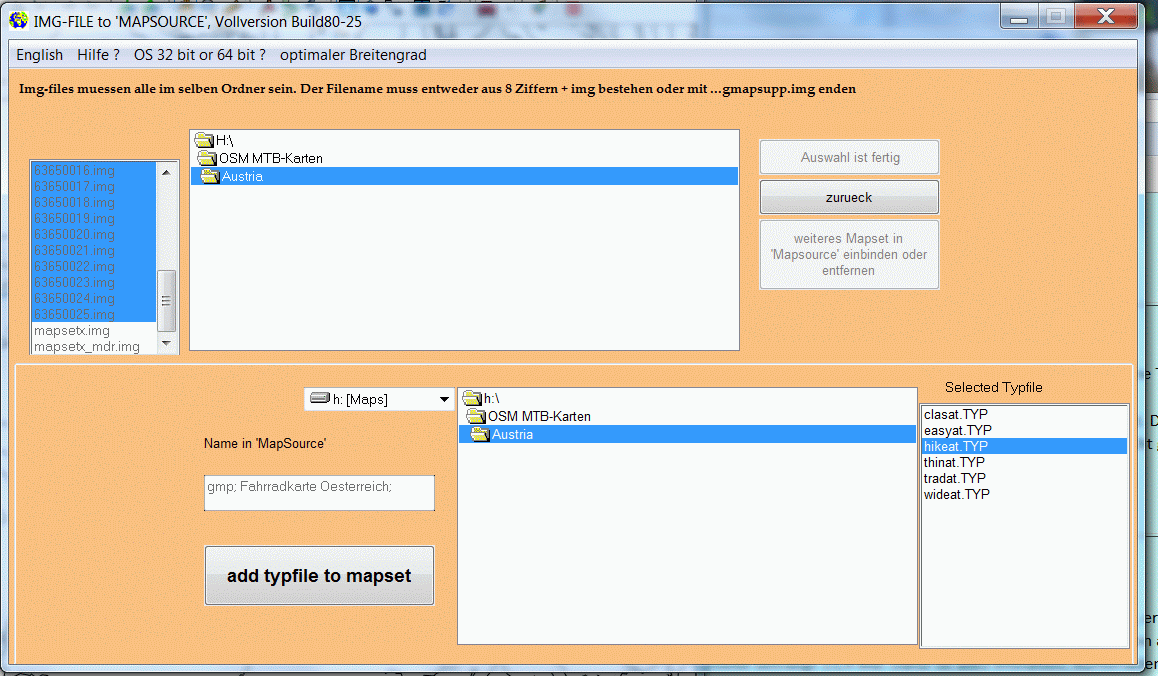 |
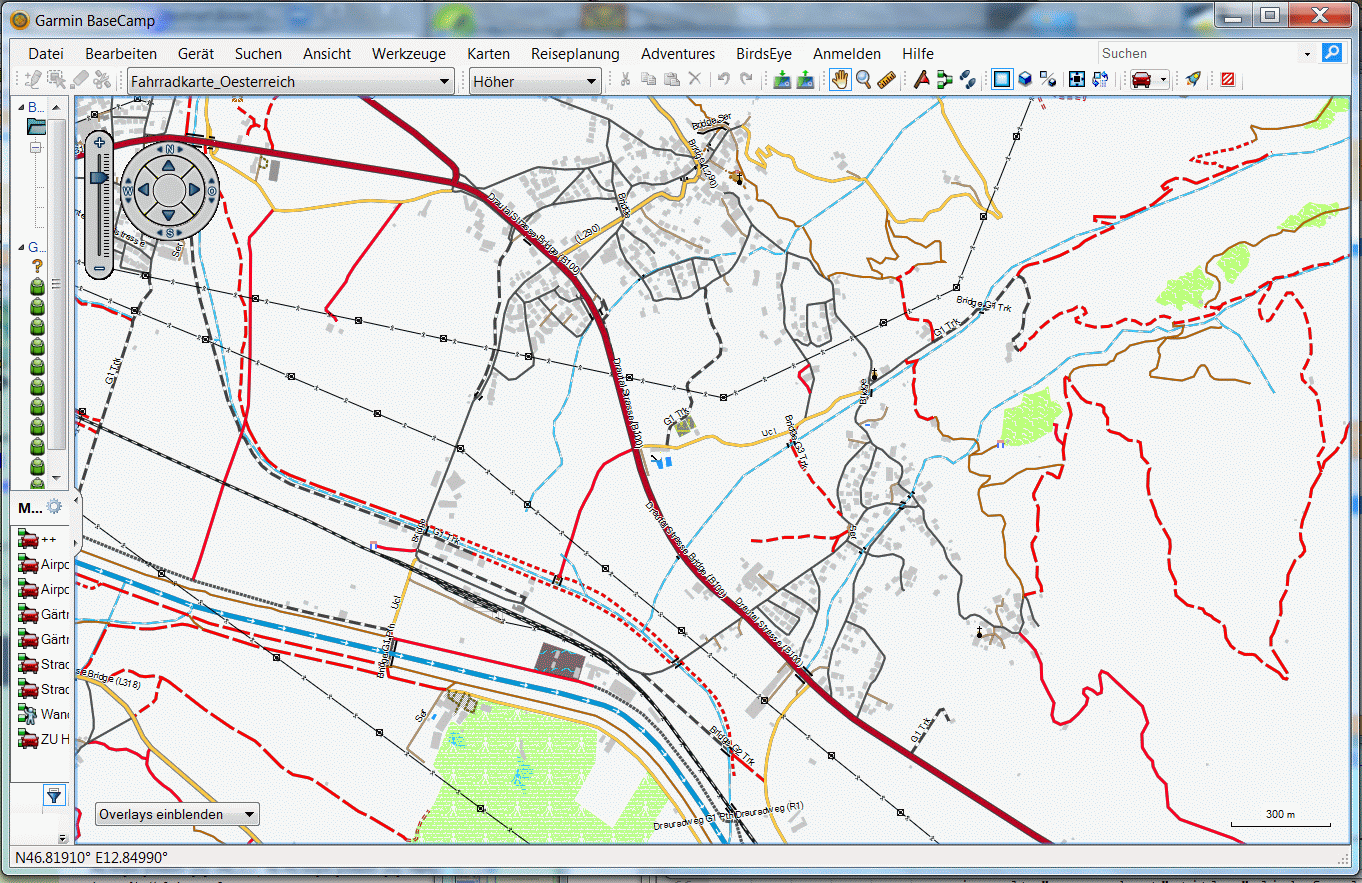
You can select a homemade typefile or from internet and then the graphic will change like typfile is made. This is possible for all mapset, also for locked mapsets and mapsets in the new 'GARMIN'-gmp-format.. The Software can add any typ-file for existing mapset's. FID will automatically corrected. |
 |
 |